PulseUnlock - How to install
-
1
Get the mobile app


-
2
Get the desktop app
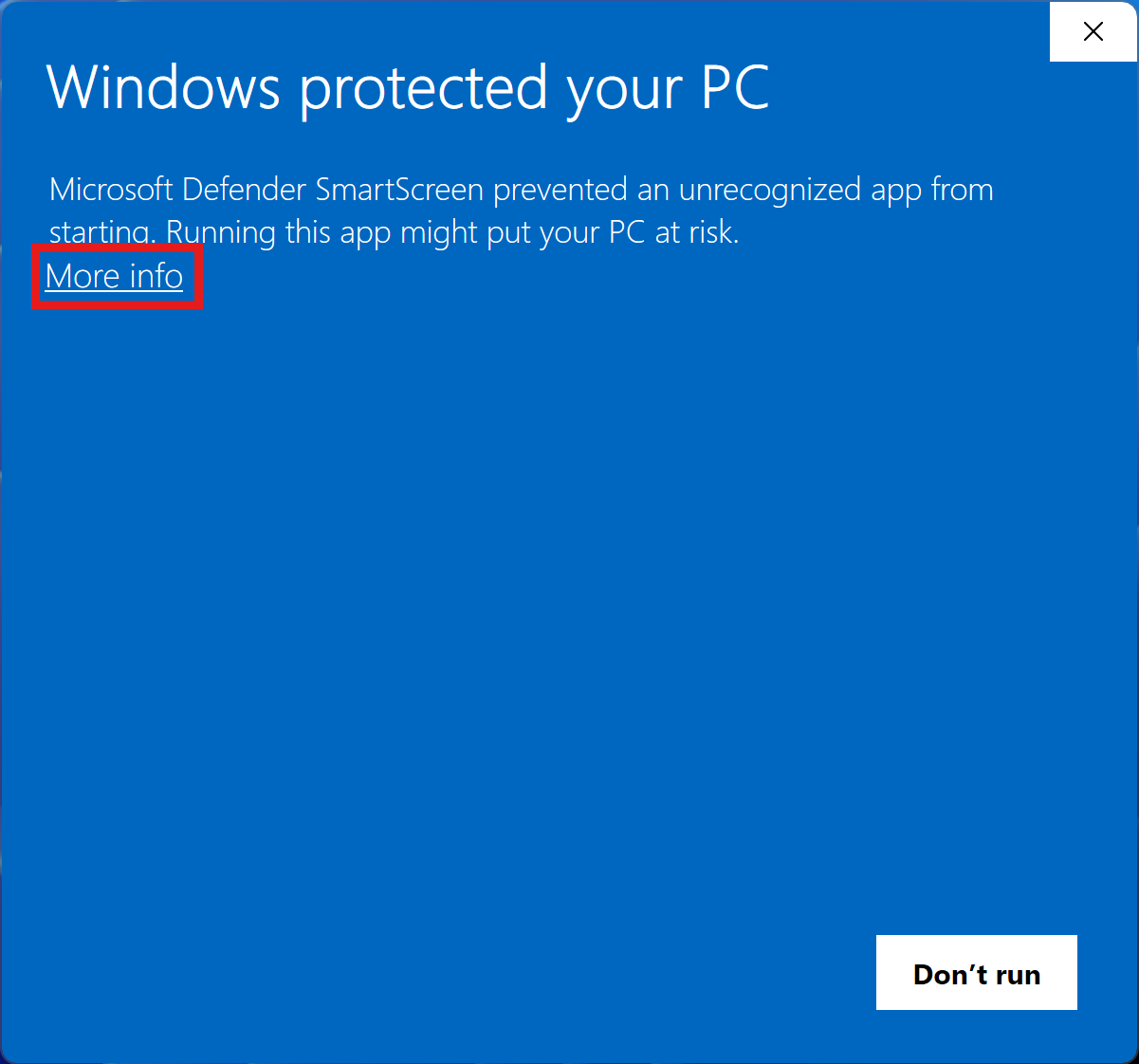
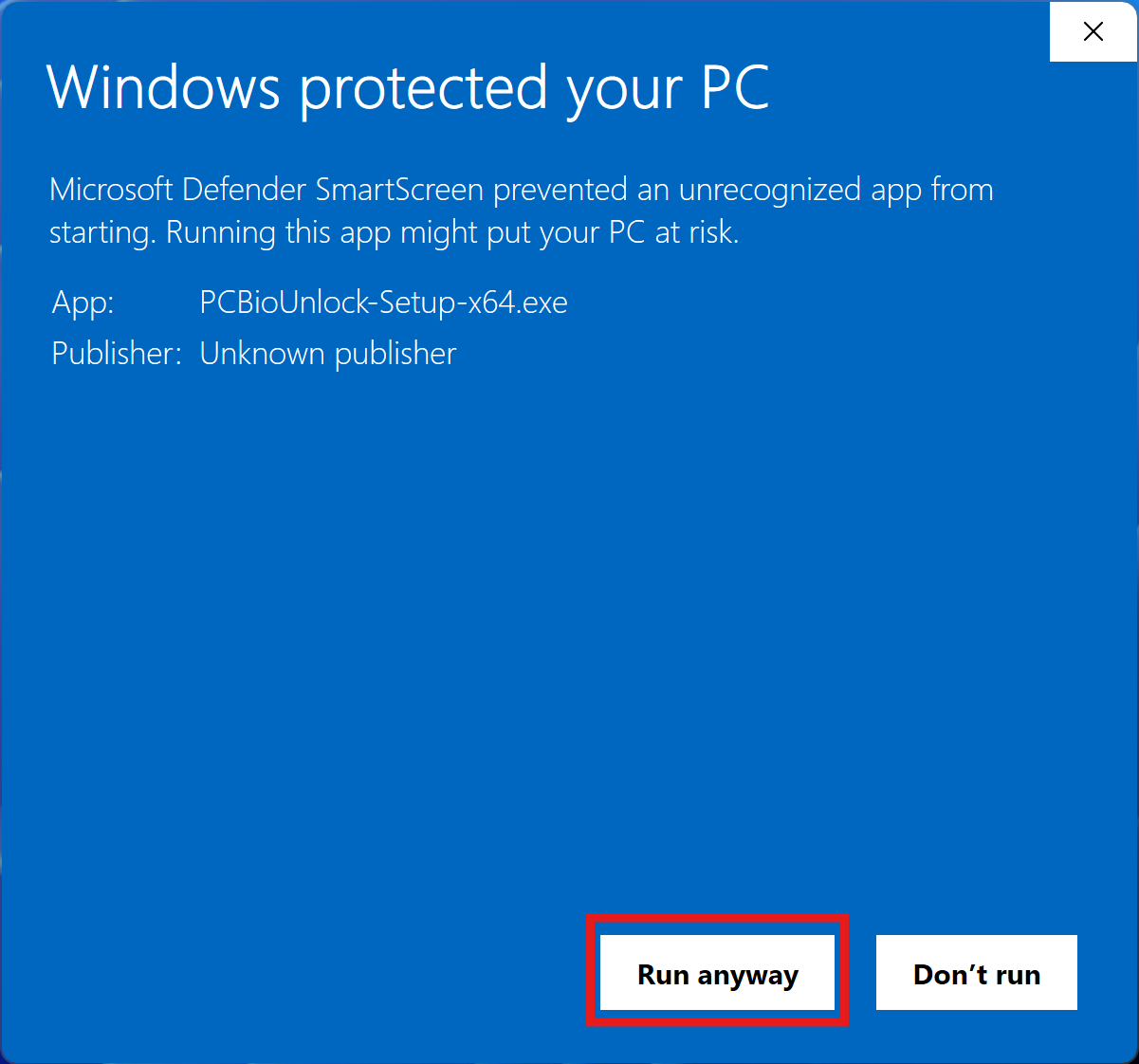
Download for WindowsFor Intel and AMD PCsWindows on ARM (Snapdragon, RTX Spark)? Download the ARM versionRun the installer by double-clicking the file and start the app afterward.Download for LinuxFor Intel and AMD PCsARM computer, e.g. a Raspberry Pi? Download the ARM versionNot sure? Rununame -min a terminal:x86_64means Intel or AMD,aarch64means ARM.Make the downloaded file executable and start it:chmod +x ./PulseUnlock-x64.AppImage && ./PulseUnlock-x64.AppImageServer without a desktop?
Install thepulseunlockcommand-line tool instead. It does everything the desktop app does, also over SSH. Run this on the server:curl -fL "https://meis-apps.com/download?product=PulseUnlock&platform=linux_cli_x64" | tar -xz && cd PulseUnlock-CLI-*-x64 && sudo ./install.shFor Intel and AMD servers ·Download for MacFor Macs with Apple siliconOpen the downloaded disk image, move PulseUnlock to your Applications folder and start it from there. -
3
Pair your phone
After opening the app, click on "Install" in the service module section. Then, click on "Pair new device" and follow the instructions.
With the command-line tool, run
sudo pulseunlock install, thensudo pulseunlock pairand scan the QR code it shows.pulseunlock helplists all commands.
System Requirements
Windows
- Windows 10/11
- x86_64, arm64 supported
Linux
- Linux with glibc 2.39 or higher (Ubuntu 24.04 or newer)
- x86_64, arm64 supported
- Command-line tool: OpenSSL 3 and
libcrypt.so.1
macOS
- macOS 14 Sonoma or newer
- Macs with Apple silicon
If you run into any issues, please look into Troubleshooting.